


The water planes that Bryce creates are wonderful, however,
I have always wanted to make large rolling waves.
With the following method you make them too.
First you need to create the wave shape. Select the terrain object,
click on the e to edit it.
First LOWER the terrain.
Now draw a wave shape like
that below.
When you draw, it will appear
white on black (not the colors in the picture)
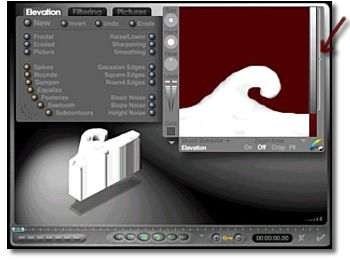
Now it is time to clip the terrain.
If you were to leave
the terrain editing window
now, you would find the
black section was a thin
plane with the wave
projecting from it.
See the bar to the right,
this is the Clipping Bracket.
Drag the top of the Clipping
Bracket to set the upper
range and the bottom to set
the lower range.
Any areas that are colored
will be absent from the wave
when you are finished.

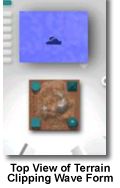
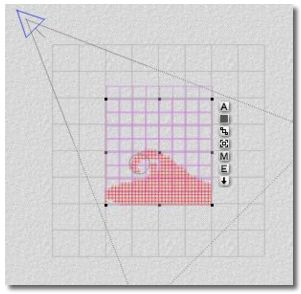
Now you have a flat wave like
thing lying on the ground plane.
If you look at it from the
top view you would see this.

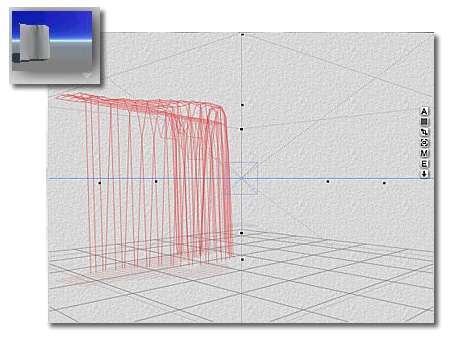
In camera view, select the wave
form
Using the RESIZE tool,
stretch the wave upward.
Don't make the mistake of
stretching it too long.
It tends to lose any
interesting shapes if
stretched too far.
It helps to be able to
distort the shape as necessary.
It's much better to make
multiple copies and distort
each one as you go.

