It's time to use the
ROTATE tool to turn the
wave upright. This is
the time to save your work.
It is also a good time to
make a copy of the wave.
Start distorting the
copy so you won't have
to do the first steps over
again like I had to.


From here on - you are
on your own. I used the
top view to move it
into position, then
changed to other views
(front, left, right)
to stretch and tilt and
anything else that
looked interesting.
Keep making a copy
from the original until
you like what you see.
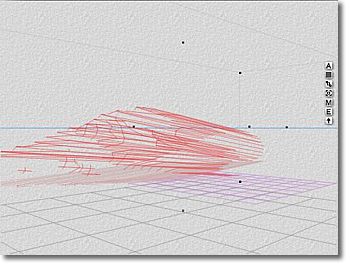

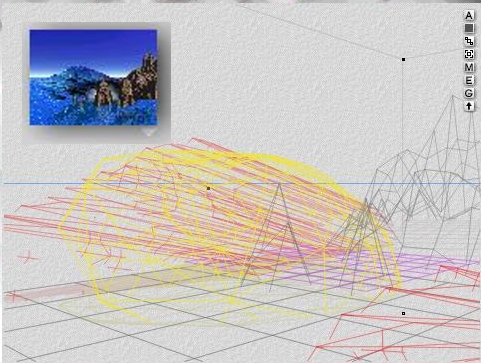
When you have a couple
of nice waves add some
elements to the scene,
a water plane, rocks,
ground plane, whatever.
Stack waves, overlapping
them to make longer stretches.
Try different shaders on
the water plane and wave,
I ended up creating my own
because I wanted a lot
of turbulence.
Another thing I tried:
add a rock (that's the
yellow thing), move it
to the break of the
wave, stretch it to
suit your needs, then
change the shader to
a cotton or phantom cloud.
A crashing wave needs foam!